
Visual inspection
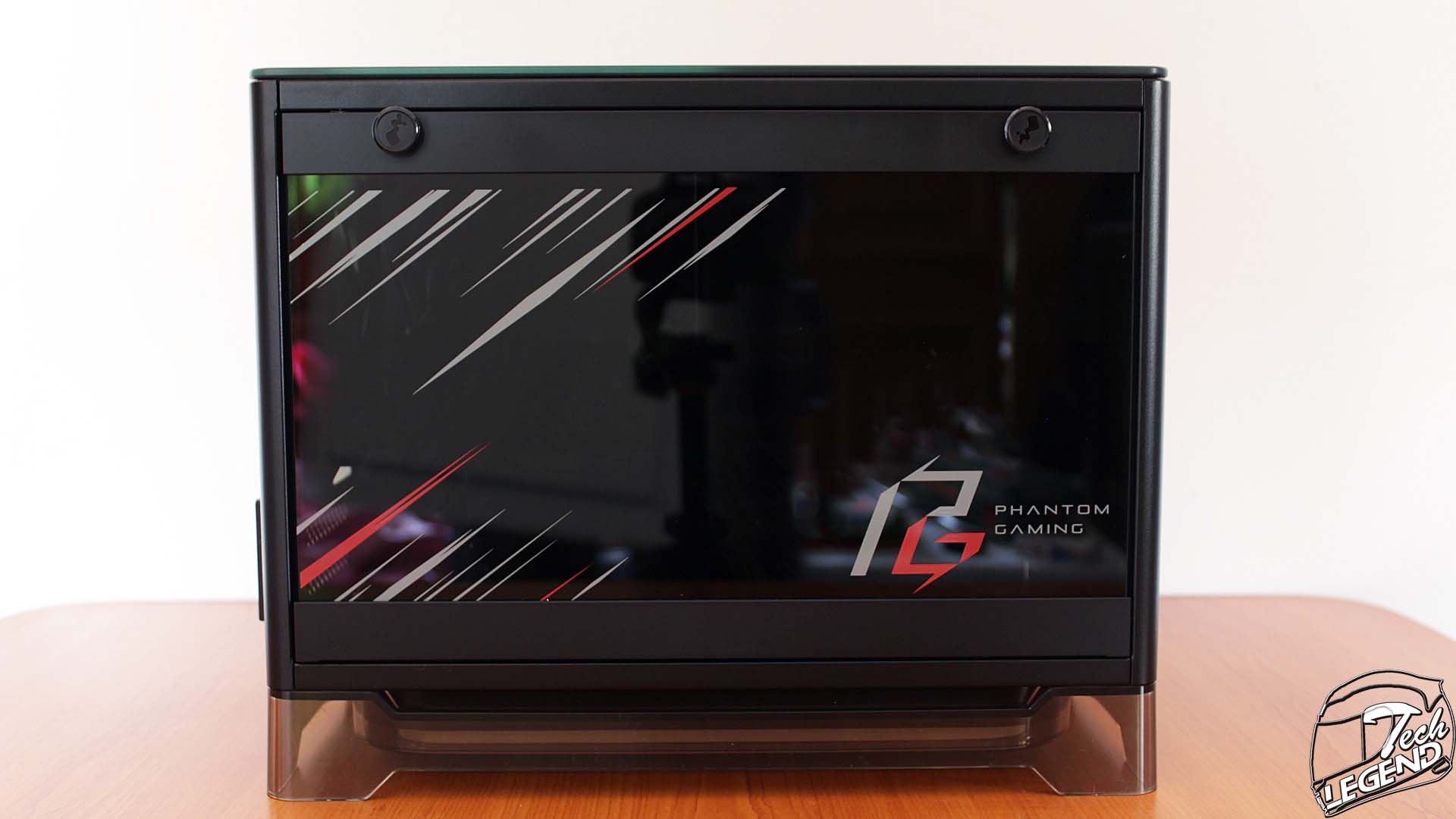
The In Win A1 PLUS Phantom Gaming Edition has the same shape as the other variants of the A1 models. The main difference between the A1 Plus and the Phantom Gaming Edition is the graphics that are applied on the front panel and on the tempered glass side panel.
The main features of the A1 Plus PG apart from the unique shape and design, are the integrated 650W Gold power supply, and the Qi charger.
The case is available has a weight of 7.1 kg and the dimensions H x W x D: 273 x 224 x 357mm.

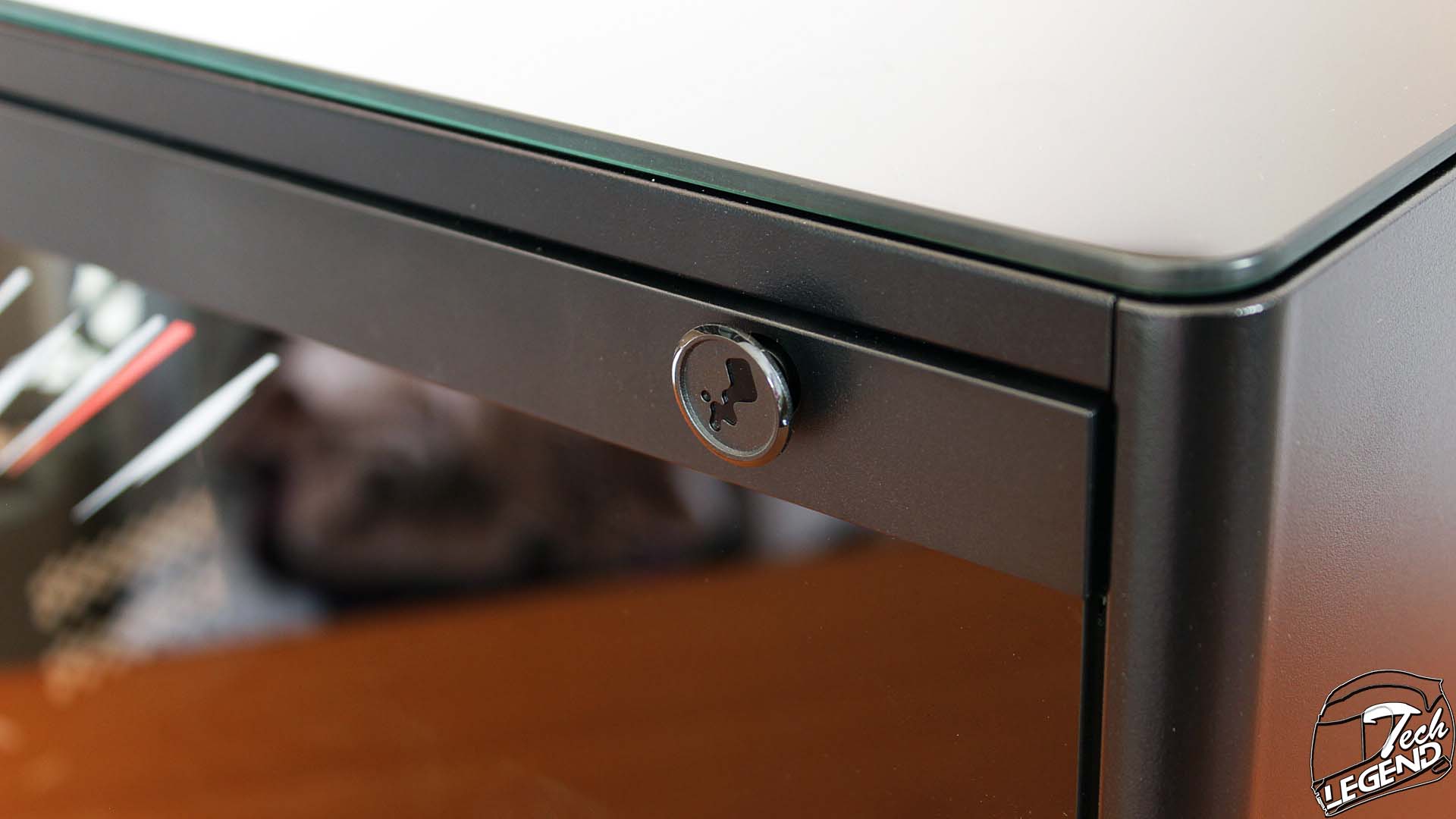
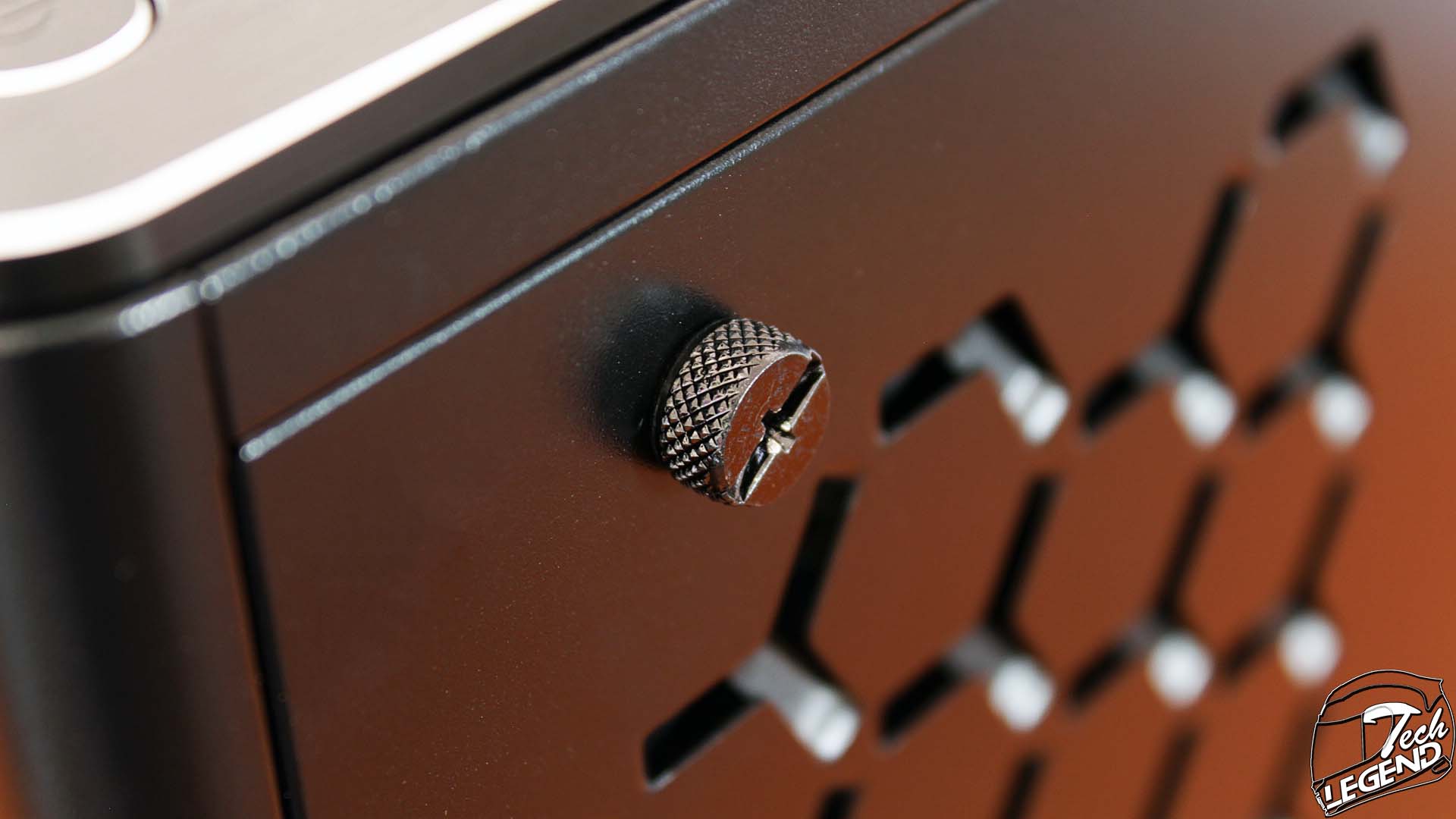
The side panel is made out of tempered glass and features plastic covers on the upper and lower sides, to not only create a streamlined design, but also to provide a base for the mounting system. To remove the side panel, the two top mounted push pins need to be pulled, and the side panel will lower in a circular motion.

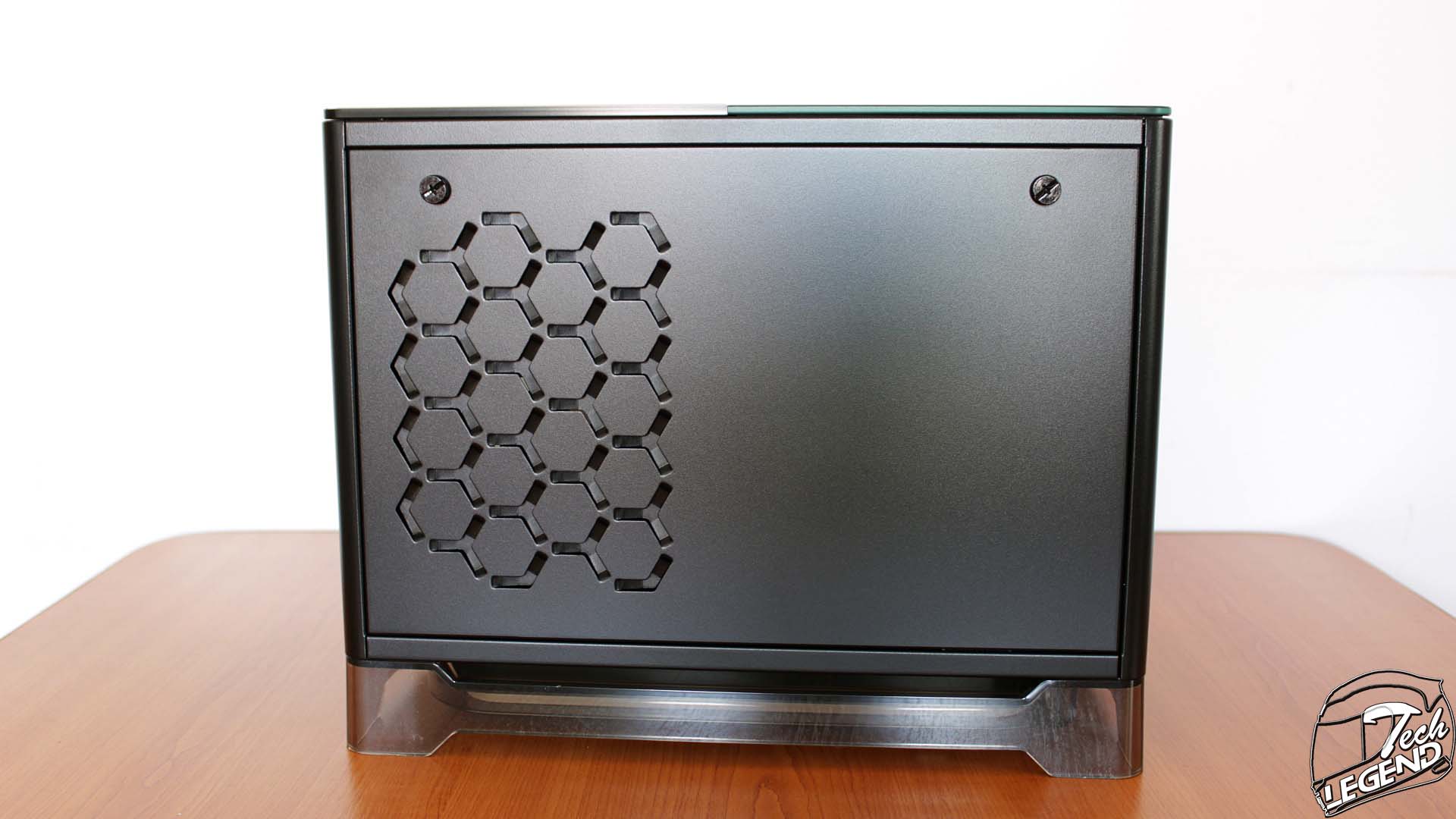
The other side panel of the case is made out of solid metal, with the only design elements present being a honeycomb-triangular pattern stamped into the metal. This pattern has a functional purpose, as behind it there are, not only one of the included 120mm fans, but the rear side of the power supply. From the factory, this area of the case is configured as the exhaust for the fan and the power supply.

The front side of the case is simple, there is only a solid metal panel with a part of the Phantom Gaming design painted on the lower side. In addition, a chromed In Win logo is placed on the top side.

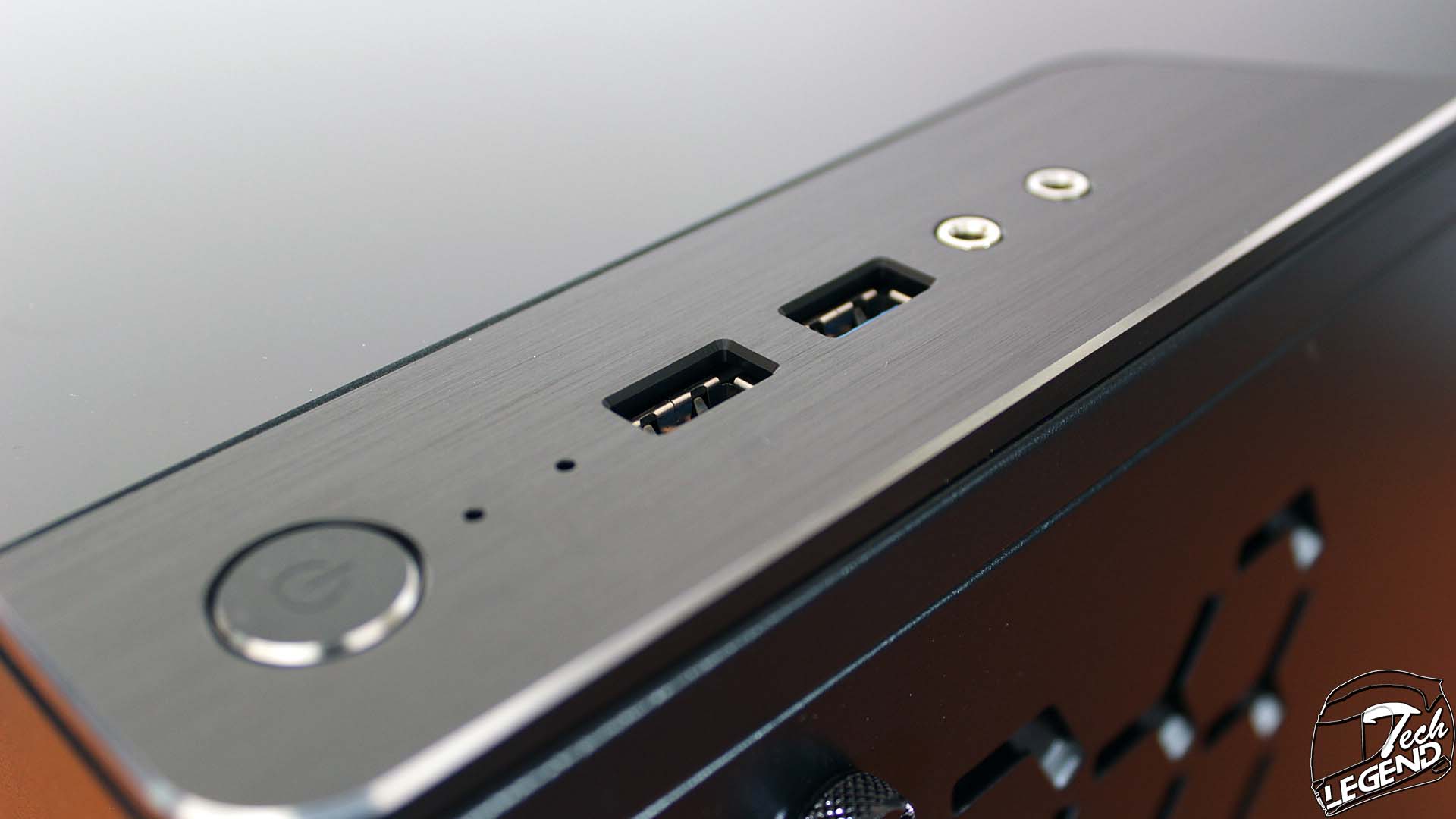
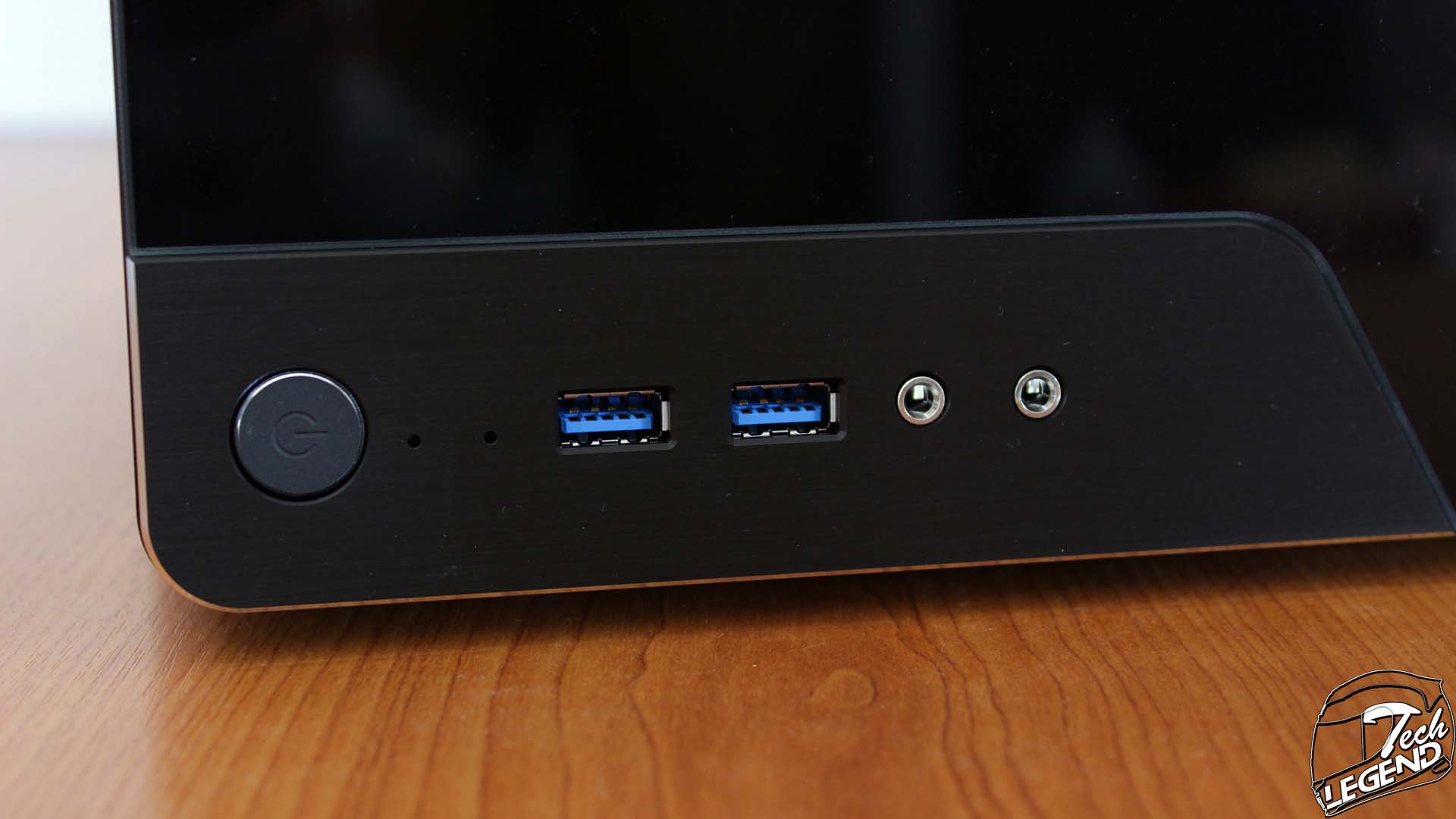
The I/O panel of the A1 Plus is placed on the top panel, on the lower right corner. While the entire top panel of the case is made from glass, the I/O panel is mounted on an aluminum plate. The I/O panel is composed of the following:
– 2x USB 3.0
– 1x Power Button
– 1x Headphone
– 1x Microphone
– 1x HDD Activity LED
– 1x Power LED
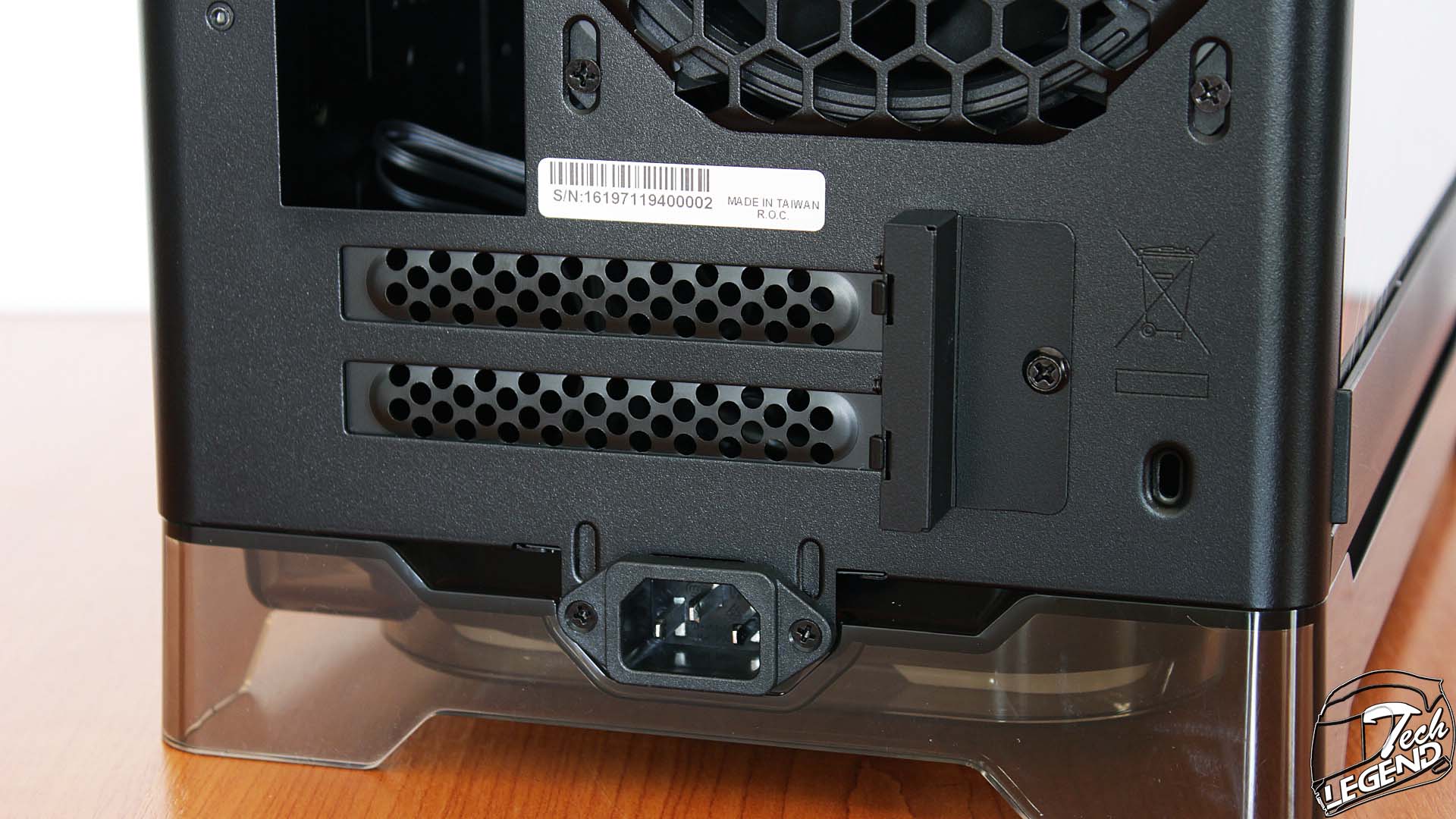
The back side of the A1 Plus is simple and follows the standard layout for the PCIe express brackets and the I/O shield. On the lower center there is the power socket, while above there are only two PCIe express covers.

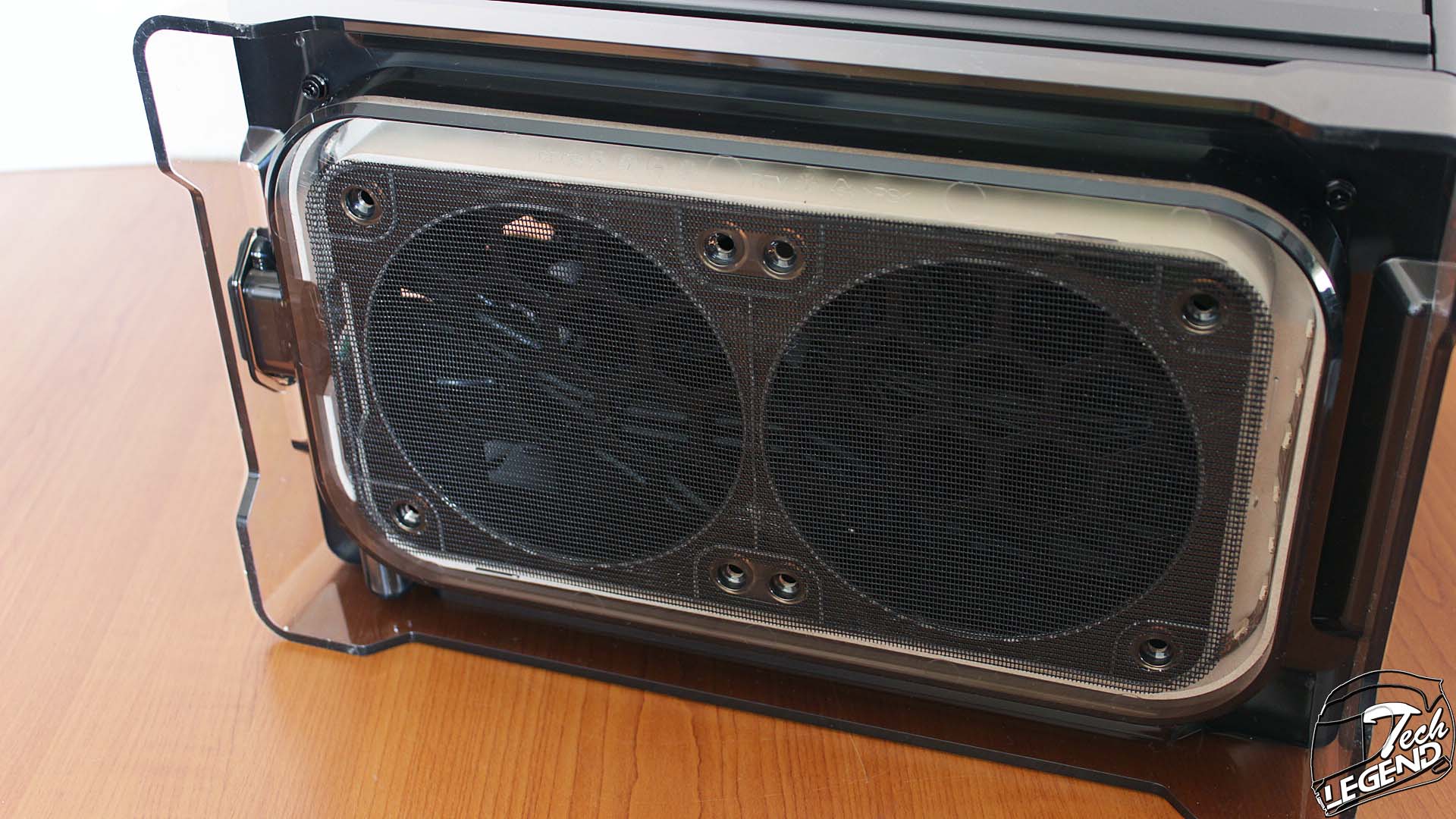
The dust filter of the case is done on the bottom, under the plastic base. The dust filter has a dense mesh and will be able to catch most dust particles. Unfortunately, this dust filter is non removable, as it is glued on the plastic base.
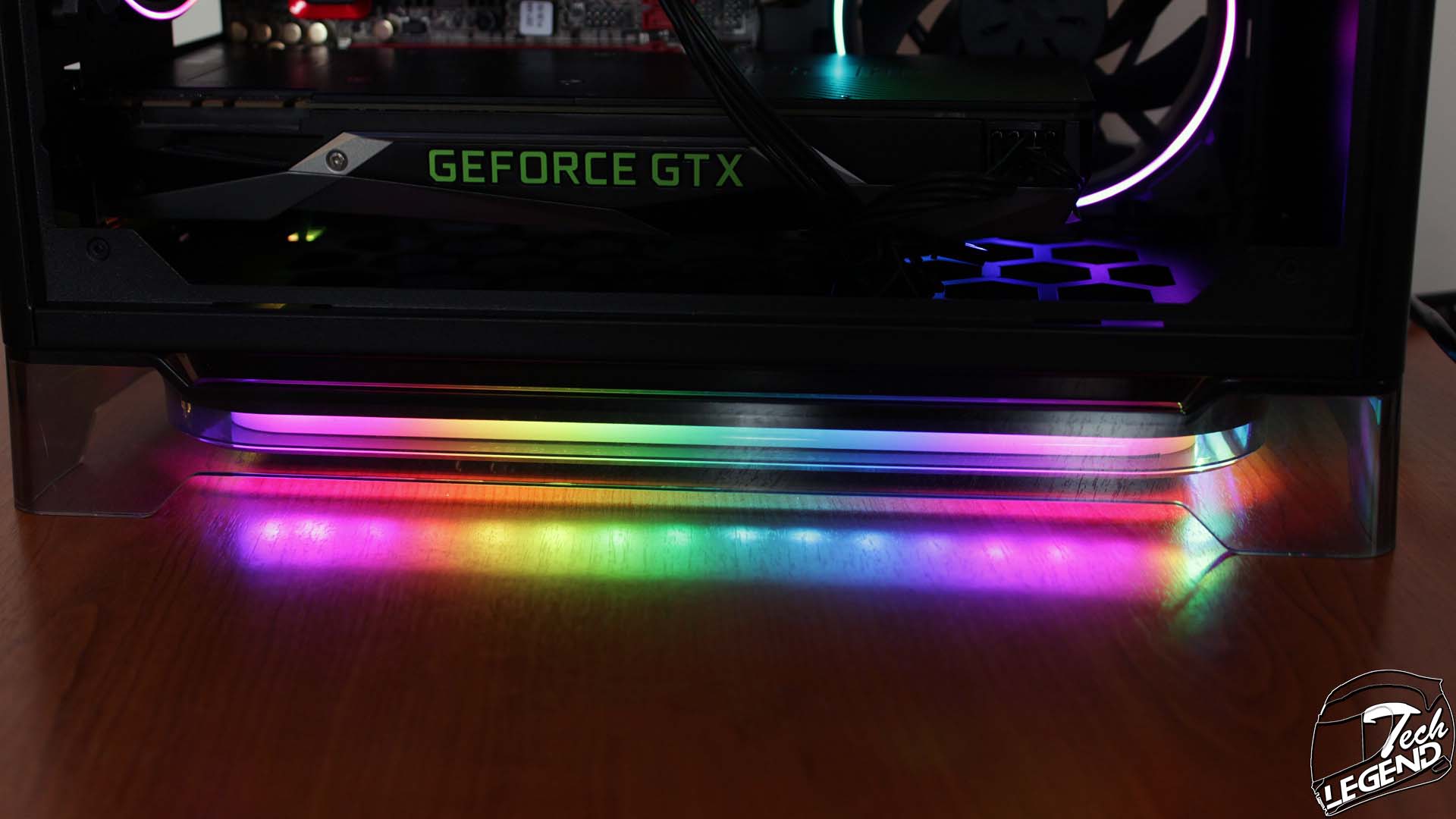
The plastic base of the A1 Plus is equipped with rubber pads to prevent scratching the surface and also to provide more grip. Inside the base, there is an addressable RGB LED strip which is connected to the rest of the RGB components of the case.
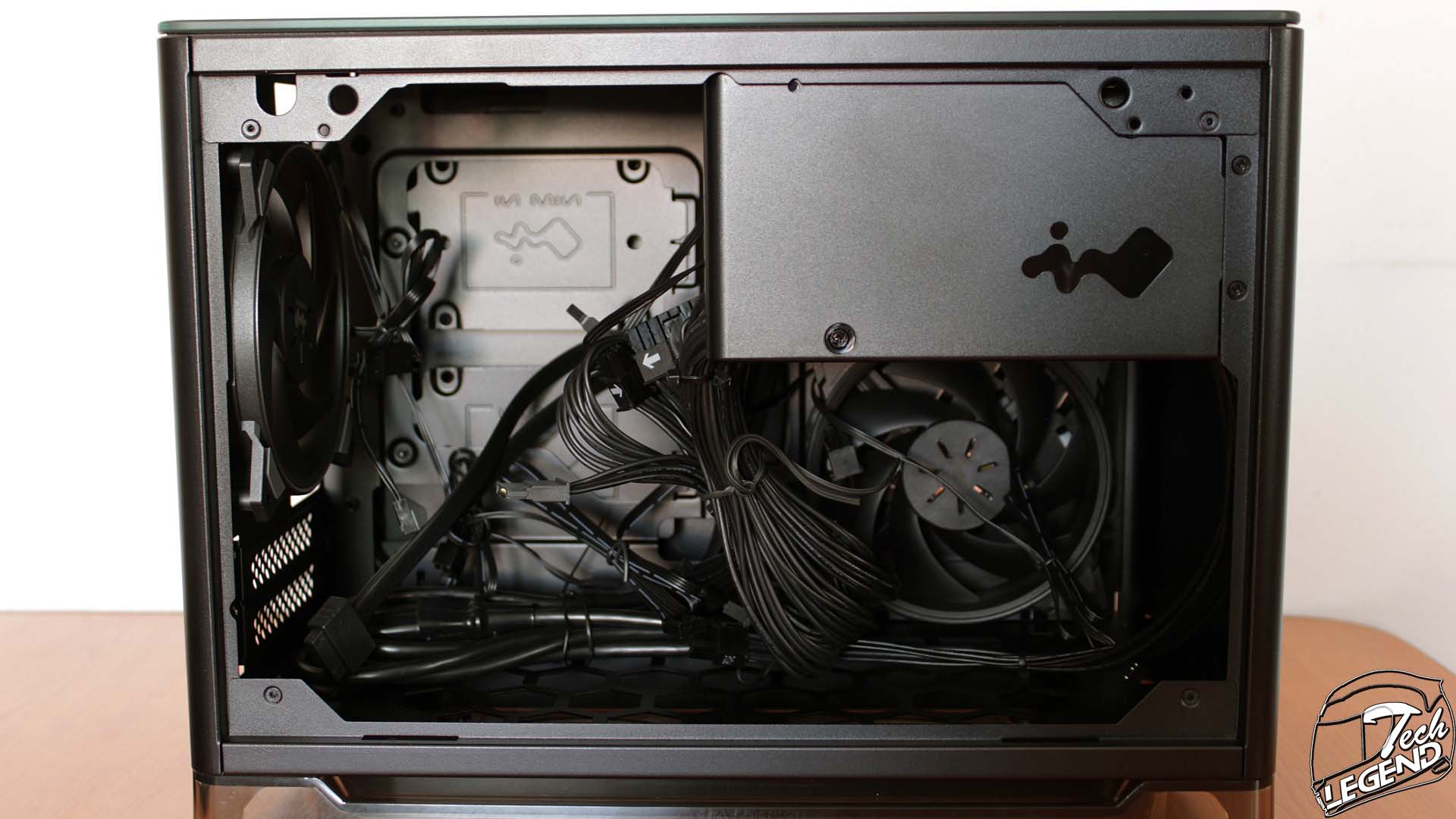
The interior of the A1 Plus is efficient, as it allows for a full CPU cooler tower with a maximum height of 160mm, to be installed. The graphics card clearance is also very good, this is mainly done by the complete removal of an HDD cage. The power supply is preinstalled at the top, while the included 120mm fans are installed one at the back, and one on the front left side.
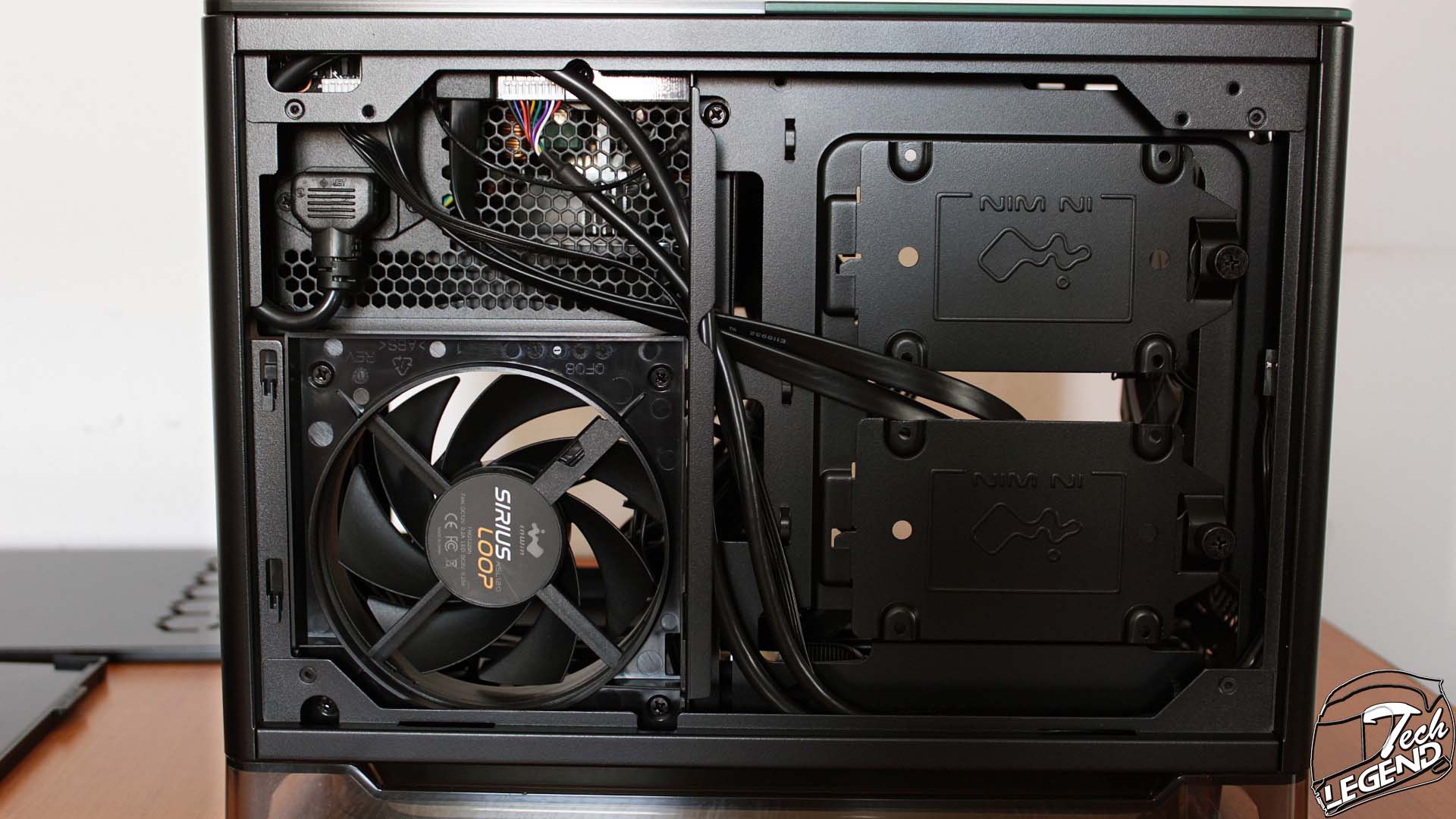
The bottom side of the case uses a honeycomb stamped pattern to allow the passing of air from the base of the case, to the interior components. The installation of a 240, radiator inside or above the base of the cooler, is not possible. This is due to the position of the graphics card, which will interfere with any radiator and fan configuration.

The included 120mm fans are part of the In Win Sirius series, and have a maximum speed of 1800RPM and a minimum speed of 500RPM. Both fans are installed to exhaust the air from the system, this means that the A1 Plus, comes from the factory with a negative static pressure configuration.
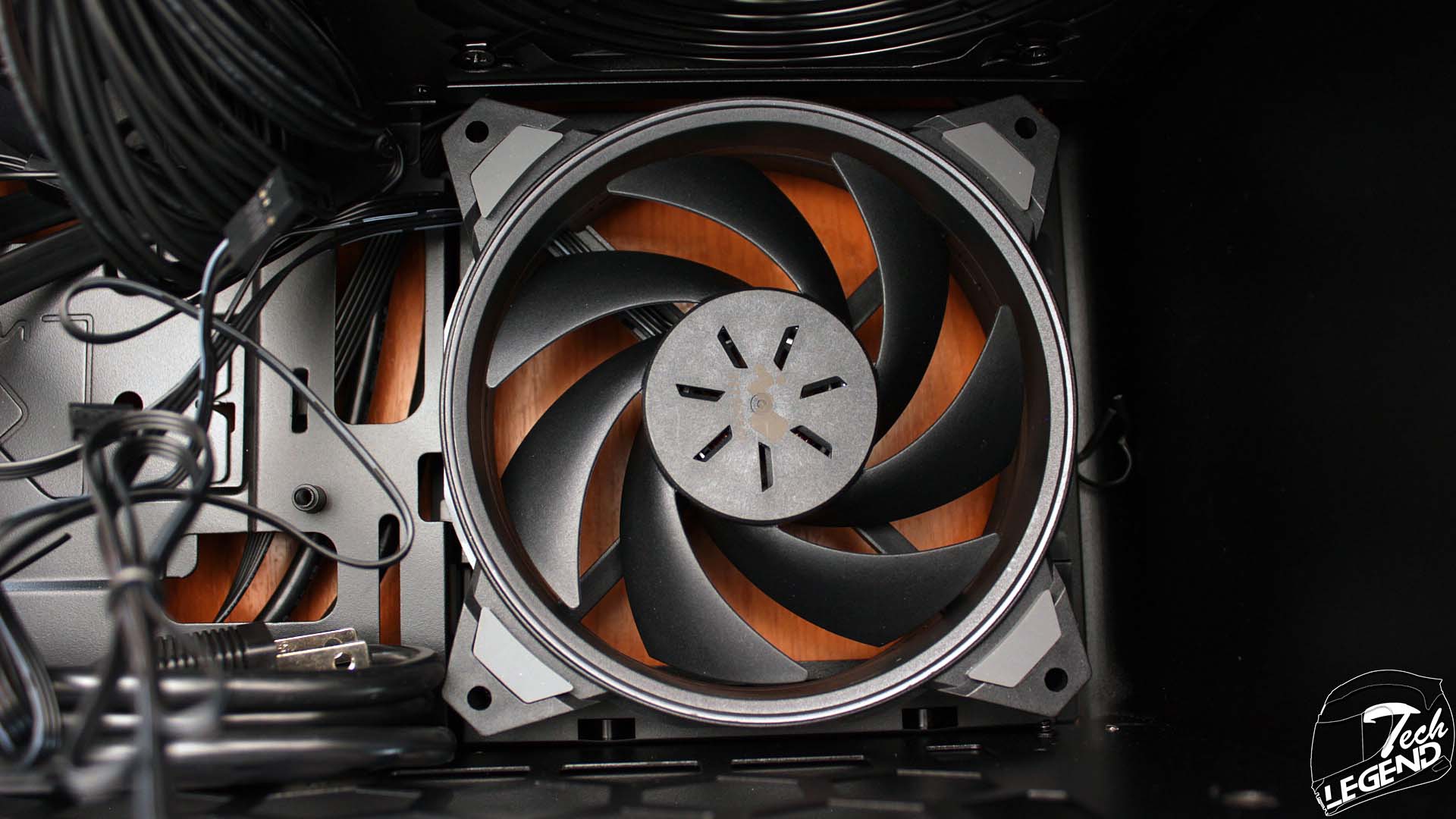
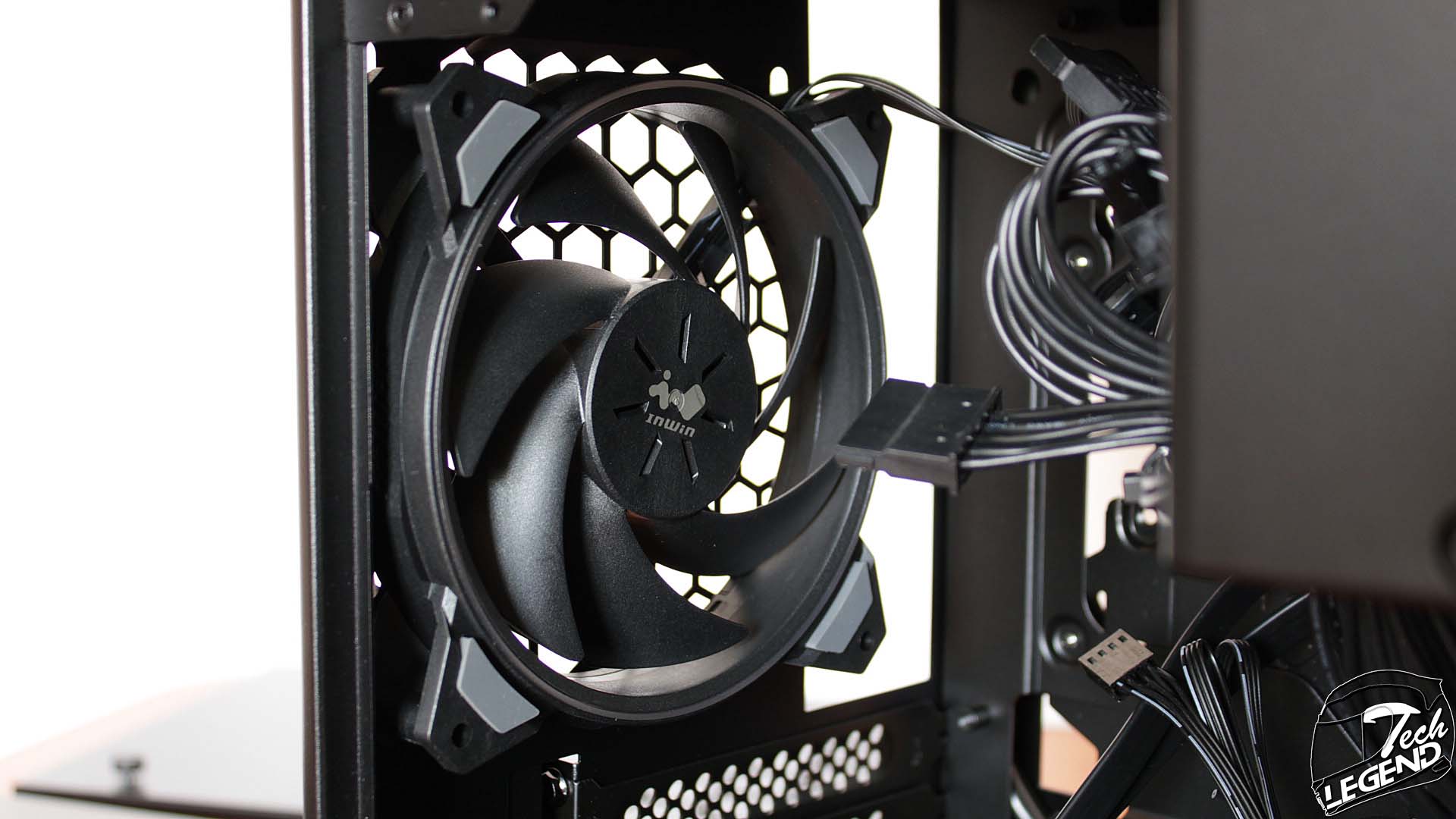
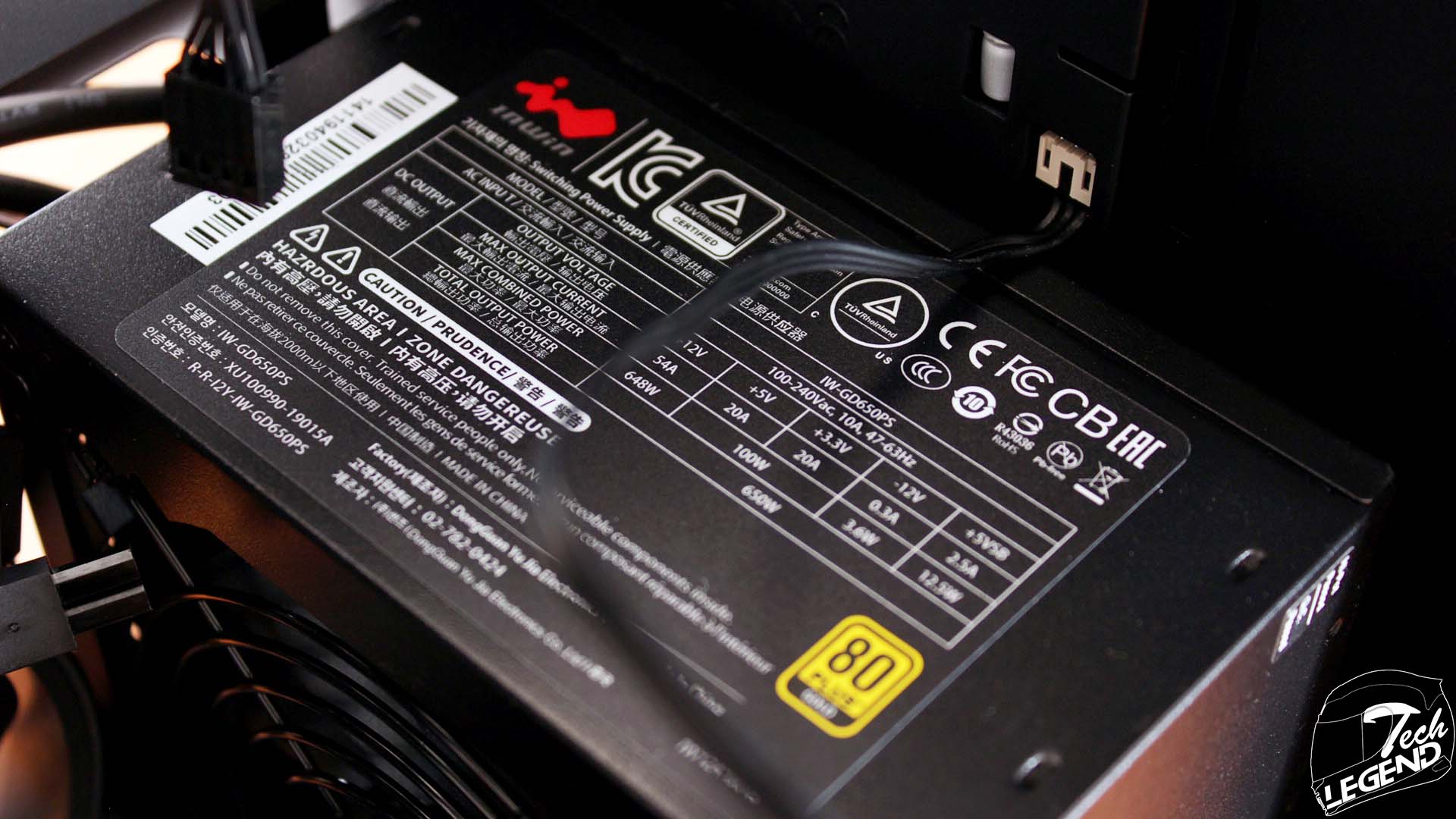
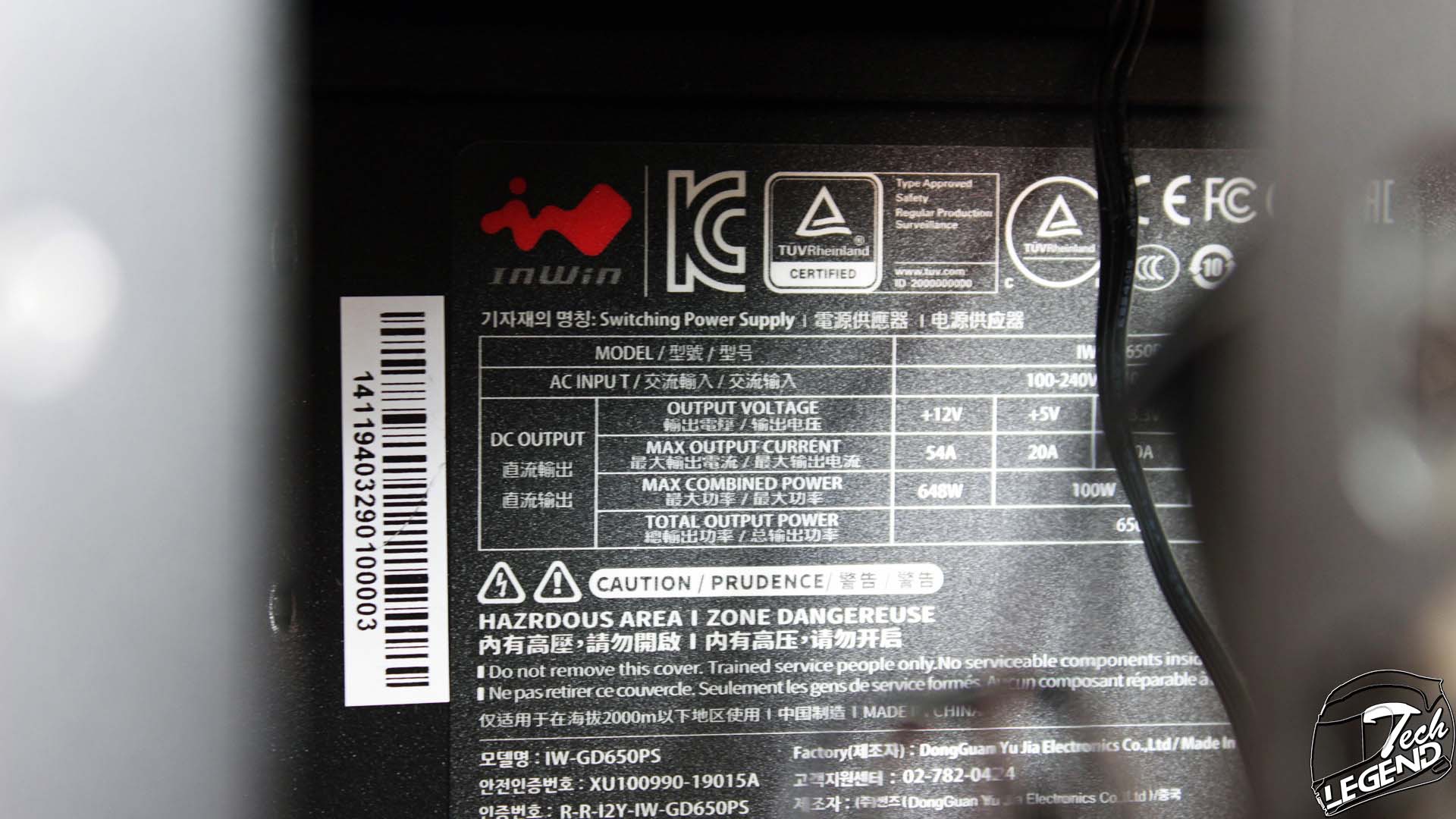
The included power supply is a Power Man unit, and it is manufactured by In Win, the model number for the model found in both the A1 Plus and A1 Plus Phantom Gaming is IW-GD650PS. This power supply has a rated wattage of 650W and has a gold rating for the efficiency. In addition, the cables of the IW-GD650PS are short and black, while also flat, this is done to aid with the cable management and blend with the rest of the components.

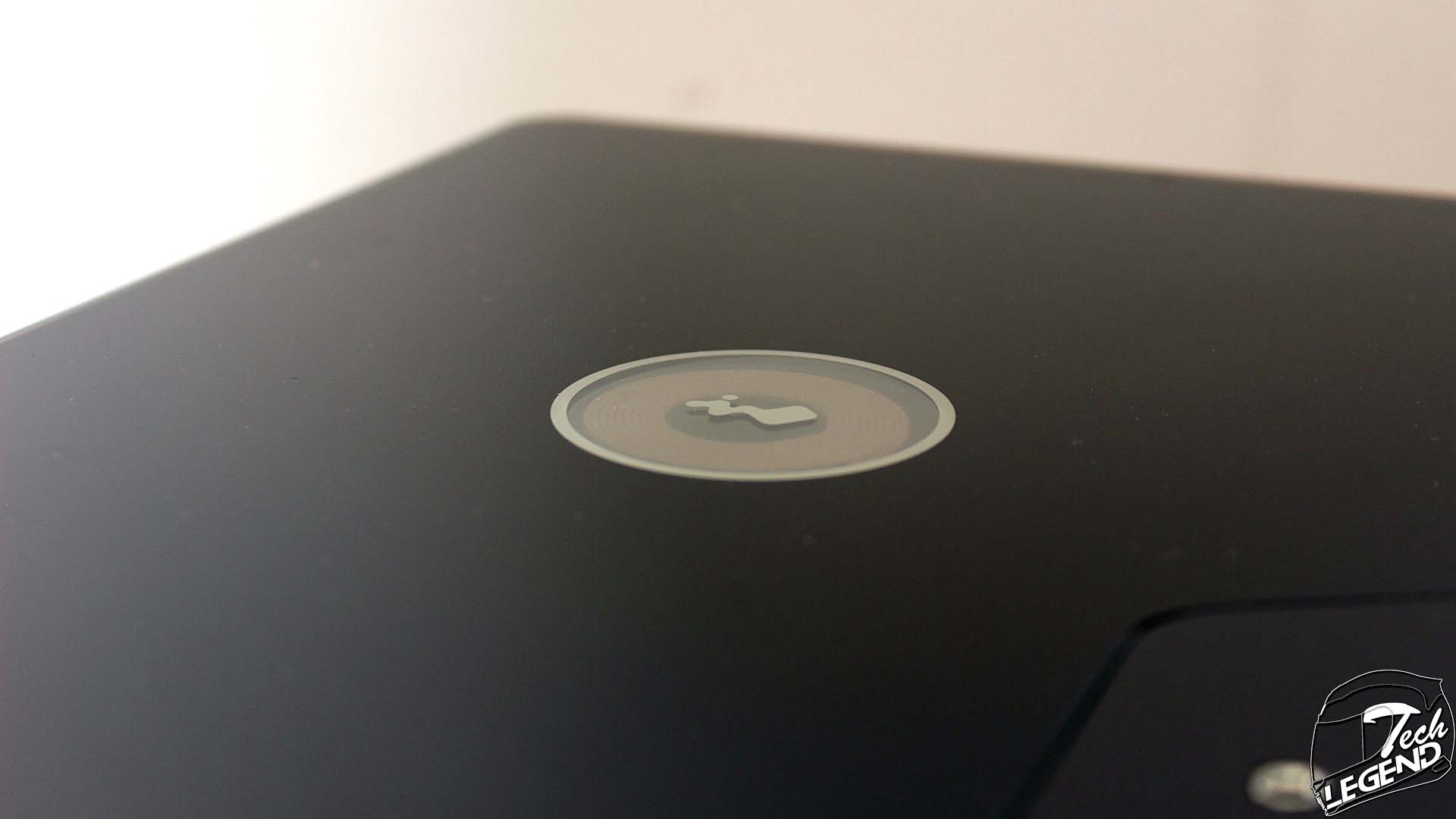
The top panel of the case is made from glass, at the center there is the In Win logo and under it, we have a Qi charger. This means that while the system is powered, you can charge any compatible device in wireless mode.
The space for routing the cables is approximately 25mm at the back of the chassis. The front of the case is unavailable for cable routing as the space is occupied by the included 120mm fan and the power supply. There are plenty of tie-down points on the motherboard tray, and enough spaces to pass the cables to the CPU power connector and inside the system.